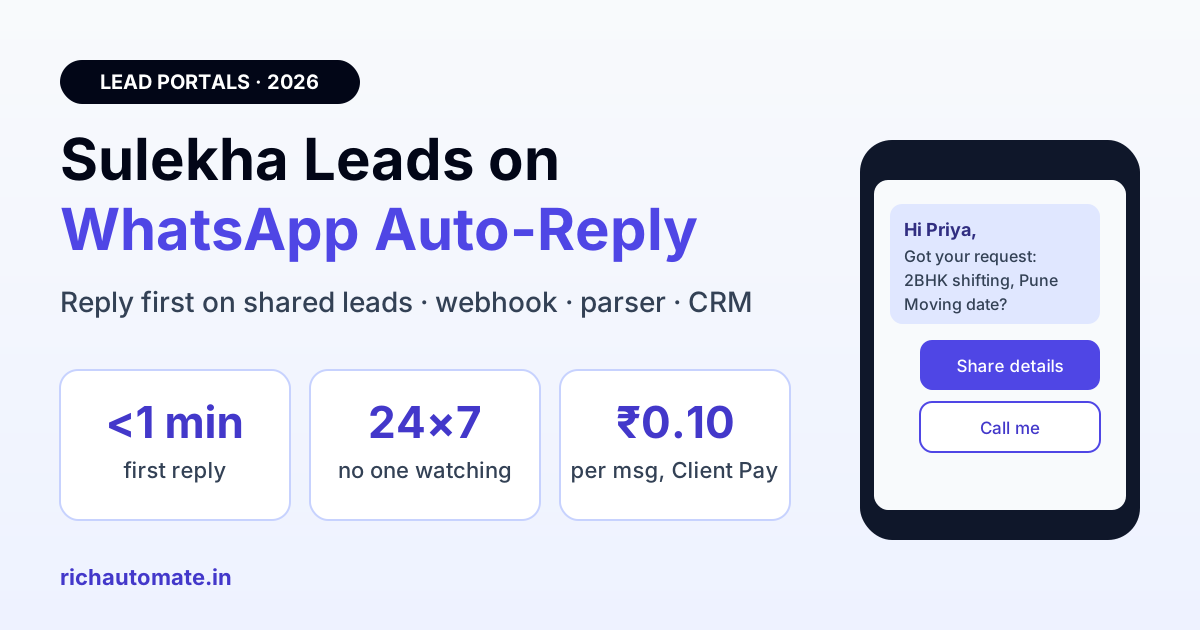
To auto-reply to Sulekha leads on WhatsApp, pass each new Sulekha enquiry to a WhatsApp Business API account through a webhook, email parser or CRM, then send an approved template within the first minute that confirms the requirement and asks one qualifying question. Because Sulekha usually shares the same enquiry with several providers, the vendor who replies first on WhatsApp with a clear, personal message wins most of the jobs, and an API workflow lets you do that 24×7 without anyone watching the app.
This guide is for Indian service businesses that buy leads on Sulekha: packers and movers, interior designers, tutors and coaching centres, pest control, home cleaning, AC repair, wedding and event vendors, CA and tax consultants. It covers how Sulekha delivers leads, the three ways to connect them to WhatsApp, which messages Meta will approve, a sample qualification flow, real monthly costs in rupees and the mistakes that get WhatsApp numbers restricted.
Why speed matters more on Sulekha than anywhere else
A Sulekha enquiry is not exclusive. When a customer in Pune asks for "2BHK shifting to Bengaluru", that request is typically matched with several verified providers in the category and area. Every one of them gets the same name and number at roughly the same time. The customer will speak seriously with the first one or two who sound competent and ignore the rest.
The widely cited Lead Response Management study by Dr James Oldroyd found that the odds of qualifying a lead fall sharply after the first five minutes, and later research by sales-engagement platforms has kept reaching the same conclusion. On a shared-lead marketplace the effect is stronger, because your competitors are calling the same person. A busy owner who checks the Sulekha app between site visits often replies 30 to 90 minutes late, by which time the customer has already shortlisted someone else.
WhatsApp fixes two problems at once. It is where Indian customers already reply fastest, and an automated first message goes out in seconds even at 11 pm or while your team is on a job. A phone call still matters for high-value jobs, but the WhatsApp message makes sure you are the first name in the customer's chat list when they are ready to talk.
- Under 1 minute (automated WhatsApp): the customer sees your business name first and often replies with details before other vendors call.
- 5 to 15 minutes (manual call): still competitive, but the customer may already be talking to another provider.
- 30 to 90 minutes: the customer has a shortlist and you are competing on price alone.
- Next day: the lead is effectively lost, and you still paid for it.
How Sulekha delivers leads to providers
Sulekha sells leads to service providers through paid packages, and the lead details reach you through a few channels. Knowing which ones your account has decides how you automate.
- Sulekha partner app and dashboard. Every lead appears here with the customer name, phone number, requirement and locality. This is the default and the one most providers rely on.
- SMS and email alerts. Most accounts receive a notification email per lead. Its format is consistent, which makes it suitable for an email parser.
- Webhook or API push. Some providers, particularly larger ones, can get leads pushed to a URL in real time. Integration platforms such as Pabbly and viaSocket note that the webhook URL has to be shared with your Sulekha account manager, who enables it on their side. Ask your account manager whether lead push is available on your package before building anything.
Whichever channel you use, the fields you need are the same: customer name, mobile number, service requested, city or locality and any notes such as move date, budget or class. Store all of them, because a reply that repeats the customer's own requirement back to them is what makes an automated message feel personal.
Three ways to connect Sulekha leads to WhatsApp
Option 1: Sulekha webhook to WhatsApp API (best)
If your account manager enables lead push, point the webhook at your WhatsApp automation. In RichAutomate you create an inbound webhook, map the Sulekha fields to contact attributes and trigger a flow that sends your approved template. Delivery time is usually a few seconds from the moment the lead is created.
Option 2: Email parser
Forward Sulekha lead emails to a parser (Zapier Email Parser, Pabbly Email Parser or Gmail rules plus a script), extract the name and phone number, then call the WhatsApp API. It adds a minute or two of delay, but it works on almost every Sulekha package and needs no help from Sulekha.
Option 3: Through your CRM
If leads already land in LeadSquared, Zoho, Kylas or a Google Sheet, trigger WhatsApp from the CRM instead. This keeps one record per customer and lets your sales team see the WhatsApp conversation alongside call notes. The trade-off is one more moving part, so test the end-to-end delay with a real lead.
| Method | Typical delay | Needs Sulekha support? | Best for |
|---|---|---|---|
| Webhook / lead push | Seconds | Yes, account manager enables it | High-volume providers, multi-city teams |
| Email parser | 1 to 3 minutes | No | Small businesses, quick start |
| CRM trigger | Seconds to minutes | No (if CRM already receives leads) | Teams with a sales pipeline |
The same approach works for other Indian lead portals. If you also buy leads elsewhere, see our guides to IndiaMART lead auto-reply on WhatsApp, Justdial leads on WhatsApp and TradeIndia enquiry automation, and route all of them into one inbox.
What Meta allows: templates, consent and the 24-hour window
A Sulekha customer has not messaged you on WhatsApp, so your first message must be an approved template. Three rules keep you safe.
Get the India 2026 WhatsApp BSP price comparison
Wati vs AiSensy vs Interakt vs RichAutomate: Meta rates, platform fees and hidden costs, side by side. We send it to your WhatsApp in a minute.
- Relevance. The customer asked for your type of service on Sulekha and shared their number for that purpose. Your first message must be about that exact request, from a business name they will recognise.
- Template category. Meta decides the category. A plain acknowledgement of the customer's request ("We received your enquiry for 2BHK shifting on 14 Dec") is often approved as utility. Anything that adds offers, discounts or "book now" language is marketing and is priced as marketing.
- The 24-hour service window. Once the customer replies, a service window opens. Your free-form replies inside it carry no Meta charge, so the real conversation (photos, quotes, dates) costs only your platform fee.
Do not send a second template the same day if the customer has not replied, and stop entirely if they say no. Repeated unanswered templates lead to blocks and reports, which lower your quality rating and can cap how many customers you can message.
A first message that gets replies
The best-performing first messages on shared leads are short, specific and end with one easy question. Here is a template structure that suits most service categories:
Hi {{1}}, this is {{2}} from {{3}}. We received your Sulekha request for {{4}} in {{5}}. To share an accurate quote, could you tell us {{6}}? You can reply here or tap a button below.
Add two quick-reply buttons such as "Share details" and "Call me", and keep the variable for the question flexible by category:
| Category | Qualifying question ({{6}}) | Next step after reply |
|---|---|---|
| Packers and movers | Moving date and floor / lift availability | Ask for a 30-second room video, send estimate |
| Interior designers | Carpet area and possession date | Share portfolio PDF, offer site-visit slot |
| Tutors and coaching | Class, board and preferred timings | Send batch timings, offer demo class |
| Pest control / cleaning | Property size and preferred day | Send fixed-price package and slot list |
| CA and tax services | Type of filing and turnover range | Send document checklist, book call |
Write the template in the language your customers use. Hindi, Marathi, Tamil, Telugu, Kannada and Bengali templates are approved the same way as English, and a message in the customer's own language stands out among several vendors.
Building the qualification flow
An auto-reply that only says "Thanks, we will call you" wastes the advantage. Build a short flow that collects what your team needs to quote, then hands over to a person.
- Trigger: new Sulekha lead arrives (webhook, parser or CRM).
- Send template with the customer's name, service and locality filled in.
- Branch on the button: "Share details" starts two or three questions; "Call me" alerts a salesperson with the lead summary.
- Collect answers into contact attributes such as move date, area or class so the quote can be prepared without a call.
- Score and route: tag hot leads (date within 7 days, large job) and assign them to your best closer; send others a price range and a booking link.
- Follow up once after 24 hours if there is no reply, then stop.
Our guide to WhatsApp lead qualification and scoring explains how to weight answers so your team calls the right leads first. Keep the bot honest: if a customer asks something it cannot answer, hand over to a human immediately rather than looping.
Real monthly cost in India
Costs have three parts: your platform plan, a small platform fee per message and Meta's own charge for templates. On RichAutomate Client Pay, Meta bills its charges directly to your card, and our platform fee is ₹0.10 per message. Plans start at ₹499 a month with ₹0 setup and a 14-day free trial; see current plans and pricing.
| Item (300 Sulekha leads a month) | Calculation | Approx. monthly cost |
|---|---|---|
| Platform plan | Starting plan | ₹499 |
| First template, utility category | 300 × ₹0.115 (Meta) | ₹35 |
| Platform fee on templates | 300 × ₹0.10 | ₹30 |
| Conversation messages after reply | 200 replying leads × 10 messages × ₹0.10 | ₹200 |
| Meta charge on replies inside 24-hour window | Service window, no Meta charge | ₹0 |
| Total | about ₹764 |
If Meta classifies your first message as marketing, the template line becomes 300 × about ₹0.86, roughly ₹258, which puts the total near ₹990 a month. Meta's rates change from time to time, so check the current rate card before budgeting. Compare that with the price of the leads themselves: most providers pay far more per Sulekha lead than the entire WhatsApp cost of contacting it, so converting even one extra job a month usually covers the system many times over.
Mistakes that waste Sulekha leads
- Sending a generic brochure first. A PDF with no reference to the customer's request looks like spam next to a vendor who mentions their move date.
- Using a personal WhatsApp number with a broadcast tool. Unofficial bulk tools on the regular WhatsApp app get numbers banned. Use the official WhatsApp Business API and approved templates.
- Several follow-ups in one day. One template, one follow-up after 24 hours, then stop. More than that drives blocks.
- No human handover. Customers on high-value jobs want to speak to someone. Put a "Call me" button in every flow and alert the team instantly.
- Not tracking outcomes. Tag every Sulekha contact with the source and the result (quoted, won, lost) so you know which categories and localities are worth your lead budget.
Setting it up in an afternoon
A working Sulekha-to-WhatsApp setup does not need developers. Connect your WhatsApp Business API number, submit one template per main service, create the inbound webhook or parser, map the lead fields and build the short flow above. Send a test lead to your own number and time it from arrival to WhatsApp delivery; anything under a minute is good.
You can start a trial without documents. To go live with full sending limits you need Meta business verification, which works with a GST certificate or MSME (Udyam) registration that matches your business name. Packers and movers, interior and home-service businesses can also borrow ideas from our packers and movers WhatsApp playbook.
Ready to reply to every Sulekha lead first? Start your 14-day free trial and have your first automated reply running today.